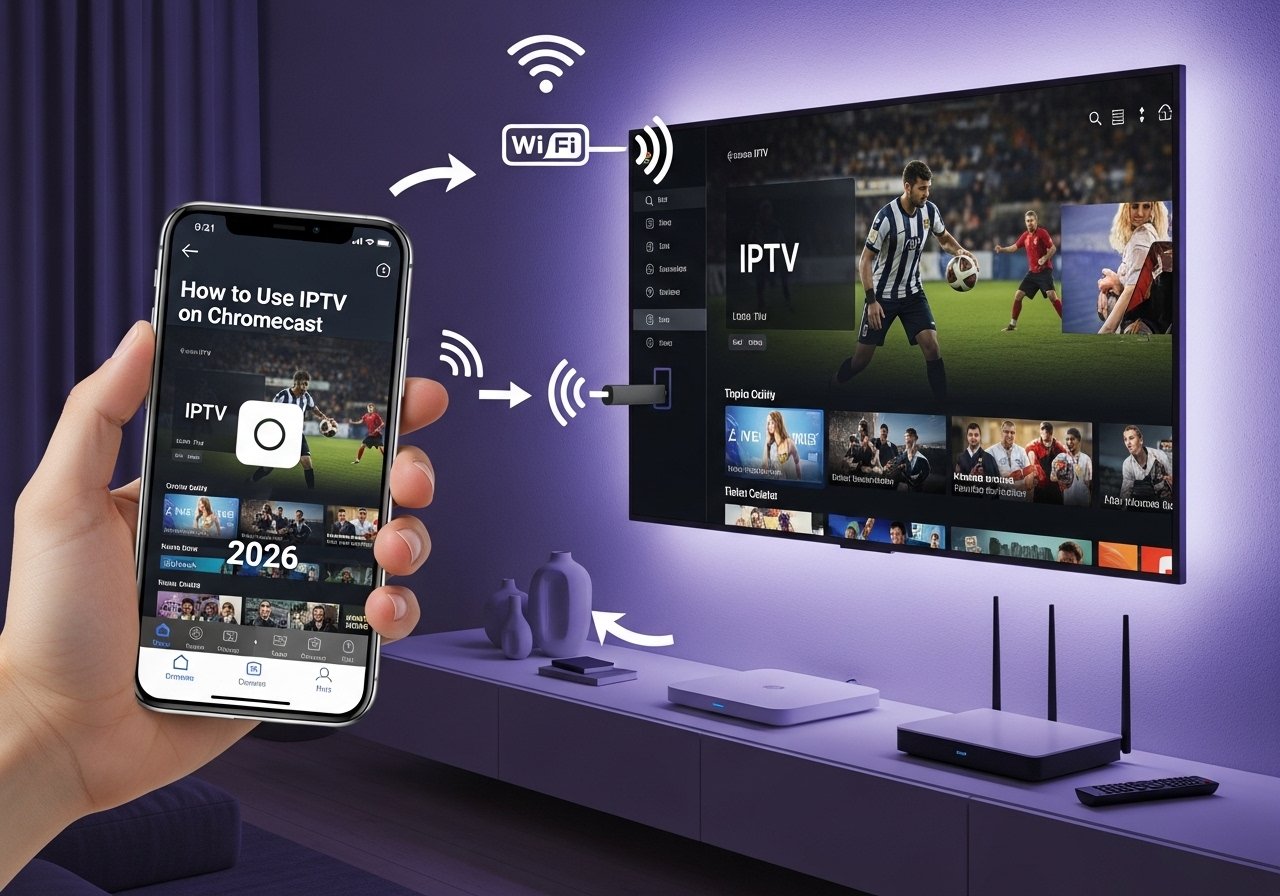
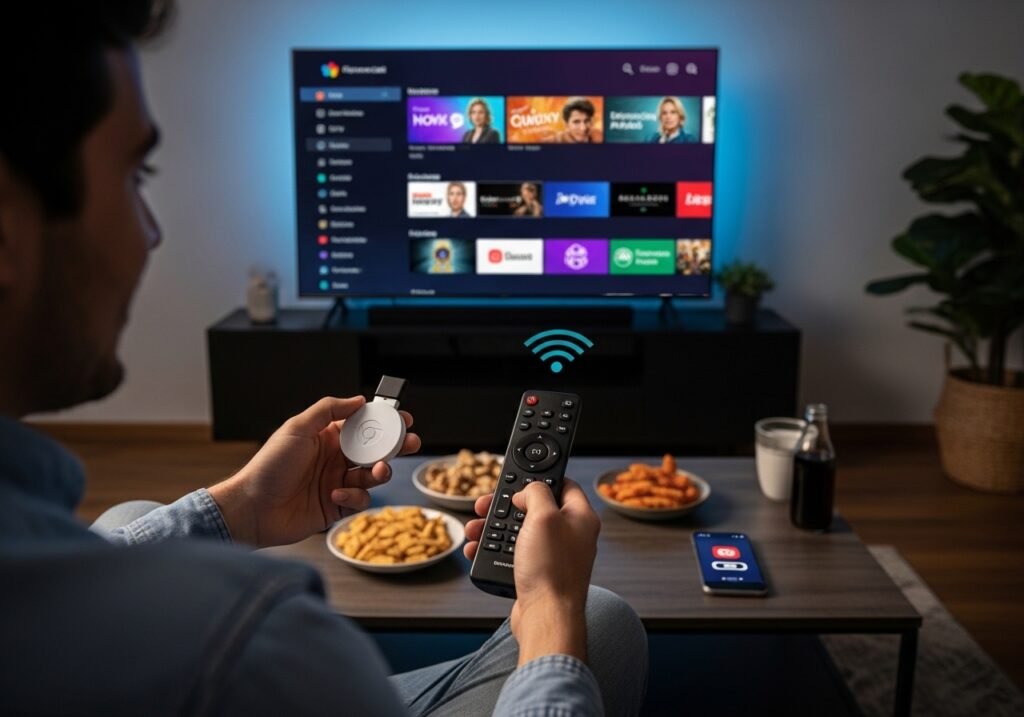
Most people who own a Chromecast assume it’s only good for Netflix, YouTube, or whatever app already has a Cast button built in. So when they find out they’re paying for an IPTV subscription and want to watch it on the big screen, they hit a wall. The Chromecast just sits there. No app to install. No obvious way in.
The good news is that it absolutely works you just need to know which door to walk through. And once you’re set up, it’s honestly one of the more seamless ways to watch IPTV on your TV without buying extra hardware.
Why Chromecast Isn’t as Straightforward as a Fire Stick
If you’ve ever used a Fire Stick or an Android TV box, you already know how easy IPTV is on those you sideload an app, put in your details, and you’re watching within minutes.
Chromecast works differently. The older versions don’t run apps at all. They’re designed to receive a stream that’s being sent from another device, usually your phone or laptop.
That’s not a dealbreaker. It just means the setup looks slightly different, and knowing that upfront saves you a lot of confusion.
What You Actually Need
You don’t need much. A Chromecast (any generation), a working IPTV subscription with either an M3U URL or Xtream Codes login, a phone or laptop, and a decent Wi-Fi connection.
The Wi-Fi part matters more than people realise IPTV streams are heavy, and if your router is two rooms away with thick walls in between, you’ll be fighting buffering all night regardless of how good your subscription is.
If you don’t have a subscription yet or you’re thinking about switching providers, it’s worth reading up on the best IPTV UK providers before you commit. Most decent providers also let you try before you buy a free IPTV trial in the UK is the easiest way to check the streams actually work on your setup before paying anything.
The Easiest Way: Cast from Your Phone
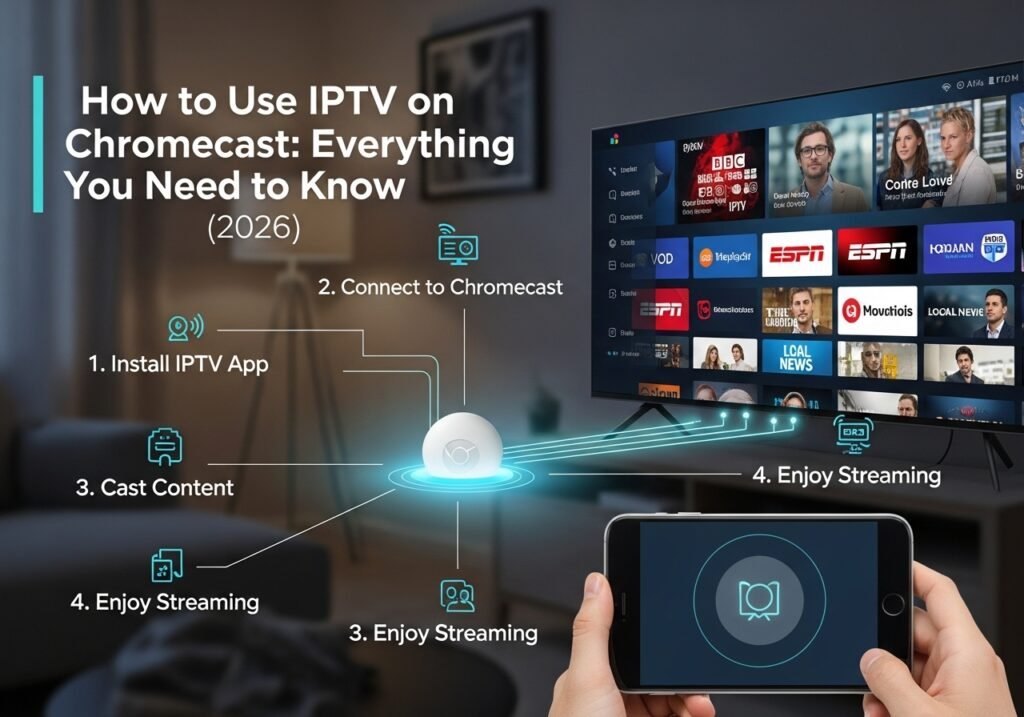
This is what most people end up using and it works well. You open an IPTV app on your Android phone, load up a channel, and cast it to the TV. Your phone becomes the remote. The Chromecast handles the picture.
The apps that do this best are IPTV Smarters Pro and GSE Smart IPTV. Both have a Cast icon built into the player — tap it, select your Chromecast, and the stream moves to your TV. The whole thing takes about ten seconds once you’ve got your playlist loaded.
One thing to watch out for: not every IPTV app supports casting. If you’re using an app that doesn’t show a Cast icon anywhere, that’s your problem right there, not the Chromecast. Switching to one of the two mentioned above usually fixes it immediately.
Using a Laptop Instead
If you’d rather not go through your phone, Chrome on a laptop works just as well. Open your IPTV provider’s web player in Chrome, click the three dots in the top corner, hit Cast, and select your Chromecast. You can cast just the browser tab or your entire desktop either works.
This is a good option if you’re already at your laptop and just want to throw something on the TV quickly without picking up your phone.
Chromecast with Google TV Is a Different Beast
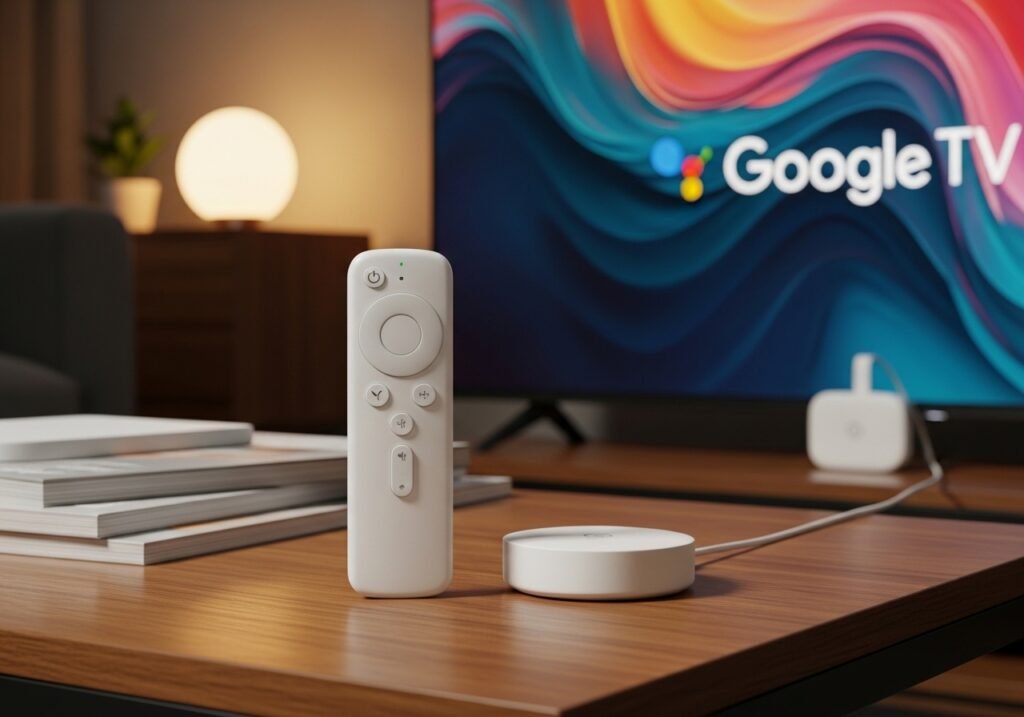
The newer Chromecast with Google TV is worth mentioning separately because it actually runs Android TV, which changes everything. You can enable Developer Mode, allow apps from unknown sources, and sideload your IPTV app directly onto the device — no phone required at all.
If you’ve ever set up IPTV on an Android TV box, the process is almost identical. The end result is a proper standalone experience with a remote control and an interface that doesn’t require you to keep your phone nearby. It’s the version worth getting if you’re buying a Chromecast specifically for IPTV.
When Things Go Wrong
This is the part most guides skip over, but it’s where most people actually get stuck.
The single most common issue people run into is the Cast icon not showing up at all. Almost every time this happens, the phone and the Chromecast are on different Wi-Fi networks or on different bands of the same router. Your router might be broadcasting a 2.4GHz and a 5GHz network with different names.
If your phone is on one and your Chromecast is on the other, they can’t see each other. Get both onto the same network and the Cast icon reappears almost instantly.
Buffering is the other big one. People assume it’s the subscription, but more often it’s the connection between the Chromecast and the router. The Chromecast isn’t receiving the stream from your phone it’s pulling it directly from the internet over its own Wi-Fi connection.
If it’s sitting far from your router, or there’s interference, the stream suffers. A USB-C Ethernet adapter for the Chromecast is a cheap fix that makes a real difference. If you want to make sure your subscription isn’t part of the problem, our guide to the best cheap IPTV subscriptions in the UK covers providers that hold up even during peak hours.
Streams cutting out after a few minutes usually point to a timeout setting inside the app. Go into the app’s settings and look for any sleep or auto-stop feature and turn it off. It can also mean you’ve hit the simultaneous stream limit on your account — if someone else in the house is watching at the same time, one of you will get kicked.
No audio on the TV is almost always a volume or audio track issue. Check the Chromecast volume independently from your phone, make sure the right audio track is selected in the app, and restart the cast session if needed.
Is Chromecast the Right Device for IPTV?
Honestly, it depends on which version you have. The older dongles are fine if you’re comfortable using your phone as a remote and your Wi-Fi is solid. They’re not the most elegant solution but they get the job done.
The Chromecast with Google TV is a genuinely good IPTV device once you’ve got an app sideloaded onto it, it sits comfortably alongside a Fire Stick in terms of usability. Speaking of which, if you’re weighing up your options, the best IPTV apps for Fire Stick are well worth a look, as are the best IPTV apps for Apple TV if you’re in the Apple ecosystem.
And if you ever want to watch on your PC as well, there are dedicated IPTV players for Windows that handle it cleanly.
The Chromecast isn’t perfect for IPTV, but for a lot of people it’s already sitting in the back of their TV collecting dust and turning it into a proper IPTV device costs nothing extra.
FAQ
Can I use IPTV on Chromecast for free?
You can load free M3U playlists into an IPTV app and cast them, but free lists are unreliable. Channels drop constantly, quality is poor, and there’s no support when things break.
A paid subscription gives you stable servers, a proper TV guide, and catch-up content. Most providers offer a free trial anyway, so there’s not much reason to mess around with free lists.
Does Chromecast with Google TV work better for IPTV than the older models?
Much better. You can install apps directly on the device instead of relying on your phone, and you get a proper remote control. If you’re buying a Chromecast specifically for IPTV, the Google TV version is the one to get.
Why does IPTV buffer on Chromecast but play fine on my phone?
Because the Chromecast pulls the stream directly from the internet over its own Wi-Fi, not from your phone. If it has a weaker Wi-Fi signal than your phone which is common if it’s far from the router — it buffers more. An Ethernet adapter or moving closer to the router usually fixes it.
What IPTV app works best with Chromecast?
IPTV Smarters Pro and GSE Smart IPTV are the most reliable choices. Both support Chromecast casting natively and work with M3U playlists and Xtream Codes logins.
Can I cast IPTV from an iPhone to a Chromecast?
Yes. GSE Smart IPTV is available on iOS and supports Chromecast casting. Just make sure you select the Chromecast option in the cast menu rather than AirPlay, which will only work with Apple devices.
Is using IPTV on Chromecast legal in the UK?
The device you watch on makes no difference to legality. What matters is whether your IPTV provider is licensed to distribute the content it’s offering.
A legitimate licensed provider is perfectly legal. An unlicensed one that’s redistributing premium channels without rights is not.
Why does my IPTV stream keep stopping on Chromecast?
Most likely a timeout setting in the app, a weak Wi-Fi signal, or a simultaneous stream limit on your subscription. Check the app settings first, then look at your connection, then confirm with your provider how many streams your plan covers.
